Optimizing Props for Different Platforms Console, Mobile & VR Guidelines
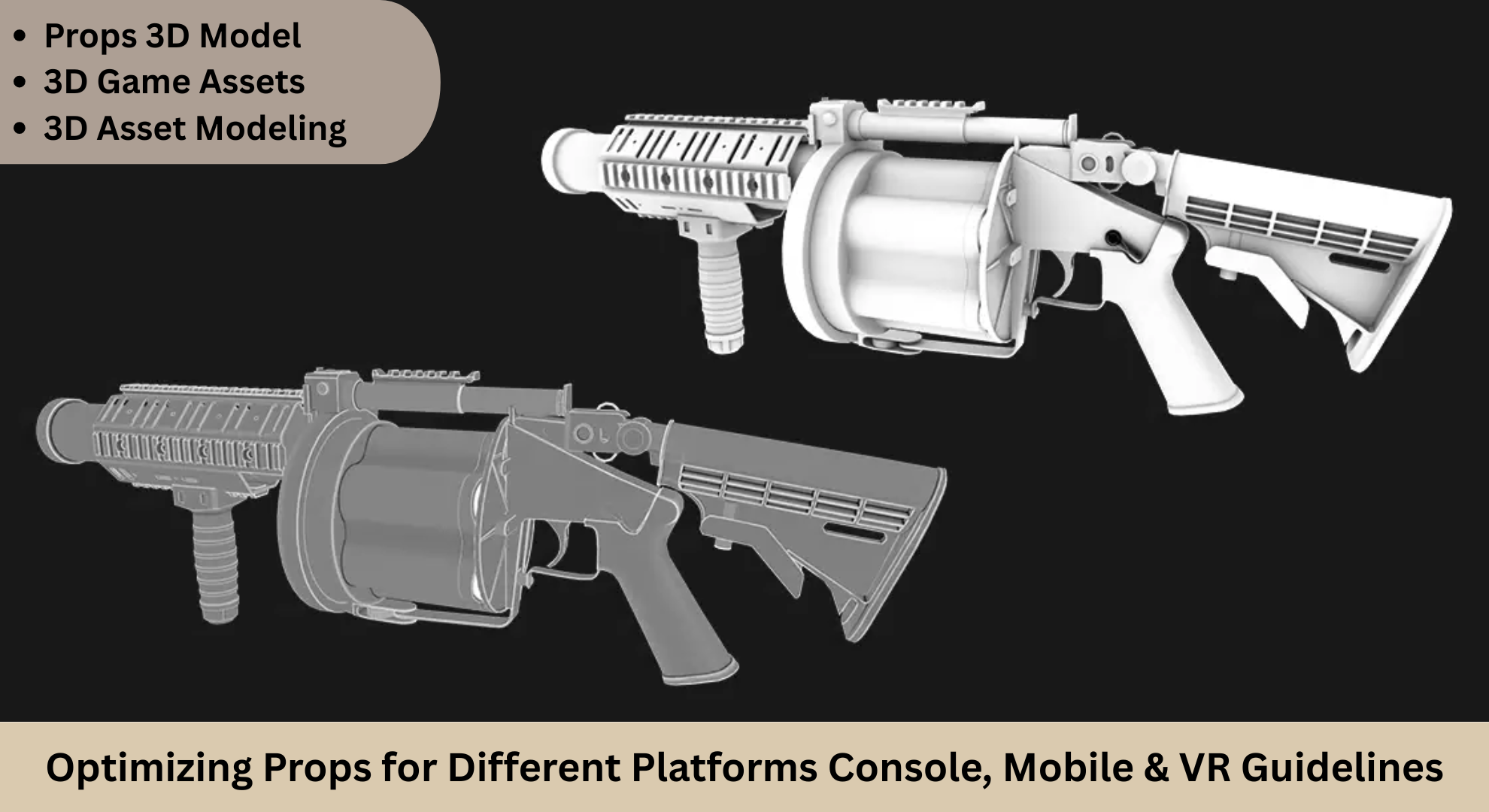
Creating stunning and performant 3D models is a critical aspect of game development, especially when dealing with props across different platforms like console, mobile, and VR. As the gaming industry evolves, so does the demand for optimized 3D modeling games, where each platform presents unique technical constraints and expectations for visual fidelity.
Why Optimization Matters Across Platforms
In the world of 3D game assets, optimization isn’t just about making things “run better.” It’s about balancing visual fidelity with technical performance to ensure a smooth user experience.
- Consoles offer significant hardware power, allowing more detailed 3D environment modeling, high-resolution textures, and complex shaders.
- VR platforms require extremely high frame rates (usually 90 FPS or higher) to prevent motion sickness, making optimization essential.
Each platform requires a different approach to asset creation and integration—especially for props, which make up a substantial portion of any 3D game environment.
General Optimization Strategies for Props
Whether you're working on a car 3D model for a racing game or props like crates, barrels, or machinery in a fantasy RPG, the optimization strategies are generally similar but vary in intensity depending on the platform.
1. Polycount Management
Overly complex models can cause lag, especially on mobile and VR platforms.
- Console: Models can range from 10,000 to 50,000 polys for complex props like vehicles.
- Mobile: Props should ideally stay under 5,000 polys.
For 3D hard surface modeling, such as mechanical parts or car 3D models, use beveled edges instead of high-poly smoothing wherever possible.
2. Texture Optimization
When creating textures for props 3D models, keep the following in mind:
- Choose appropriate texture resolutions: 2K–4K for console, 512–1K for mobile, and around 2K for VR (depending on closeness to the viewer).
- Apply compressed formats like DXT1/5 for console and ETC1/2 for mobile platforms.
If your game focuses heavily on detailed 3D game environments, invest time in mastering efficient texture workflows.
3. Use of Normal and Occlusion Maps
Instead of modeling every detail, bake high-resolution models into normal maps. This is essential for hard surface modeling and helps retain visual detail without the performance cost.
- AO maps can add realism without geometry.
- Normal maps should be used across all platforms but optimized for resolution and compression.
This technique is particularly useful in 3D environment modeling, where props like pipes, gears, and control panels need to appear intricate up close.
Platform-Specific Optimization Tips
Console Optimization
Consoles like PlayStation and Xbox offer the power to handle high-resolution 3D game assets and dense environments. However, developers must still maintain efficient memory and draw call management.
Tips:
- Use LOD systems for distant objects to reduce rendering load.
- Leverage shaders and post-processing, but test across generations (e.g., PS4 vs. PS5).
- Group props by material to reduce draw calls.
Example: A car 3D model for a console game may include intricate detailing, reflective materials, and even real-time shadowing, but should still support LOD transitions and efficient collision models.
Mobile Optimization
Mobile gaming continues to dominate the market, and so does the need for efficient 3D modeling games with props that load quickly and run smoothly on varying devices.
Tips:
- Avoid overlapping UVs unless mirrored intentionally.
- Use simple geometry and minimal materials.
In 3D game environments designed for mobile, props should be lightweight both in geometry and texture use. A props 3D model for mobile might use simple shapes with cleverly applied normal maps to simulate detail.
VR Optimization
In VR, performance is king. Even a slight drop in frame rate can disrupt immersion or cause discomfort.
Tips:
- Prioritize low latency with the high frame rate (≥90 FPS).
- Use baked lighting where possible.
- Reduce texture resolution without sacrificing clarity in the user’s focal area.
For VR-based 3D vehicle modeling, prioritize interior elements that users interact with or observe closely. Exterior details can be minimized or even culled when out of view.
Best Practices in Prop Creation for Game Environments
Modular Design
Especially useful in 3D environment modeling, modular props help you populate a world without bloating file sizes.
Naming Conventions and Asset Management
Organize your assets using naming conventions that help your team easily locate, reuse, and update them. For example:
- env_prop_barrel_wood_low
- veh_sedan_sport_highpoly
- prop_console_panel_LOD2
Proper asset management improves workflow efficiency, especially when dealing with large 3D game environment or multiple platforms builds.
Real-Time Testing
Always test your props in their actual game environments. For example, load your car 3D model into a racing scene with full lighting and post-processing to see how it behaves.Use real-time engines like Unity or Unreal Engine for profiling props on different devices. Each platform might reveal bottlenecks that aren't obvious during modeling.
Prop Categories & Their Optimization Needs
Let’s briefly explore common prop categories and what to consider when optimizing them:
Environmental Props
Used in all types of 3D game environment, such as rocks, trees, street lamps.
- Low to medium polycount.
- Shared materials.
- Baked lighting recommended for static objects.
Vehicles
From realistic 3D vehicle modeling to stylized cars, these require detailed optimization.
- Multiple LODs.
- Interior vs. exterior detailing balance.
- Colliders optimized for physics calculations.
Hard Surface Props
Includes weapons, control panels, tools requiring precision and detail.
- Normal maps baked from high-poly models.
- Emphasis on edge flow and surface continuity.
Hard surface props benefit greatly from optimized 3D hard surface modeling techniques, reducing render cost without compromising design.
Final Thoughts
Creating optimized props for console, mobile, and VR is both a technical and artistic challenge. As 3D modeling games continue to grow in complexity, developers must find smart ways to deliver performance without sacrificing visual quality. Whether you're working on a props 3D model for a console action game, a mobile puzzle environment, or a VR racing experience, following these guidelines will help you stay ahead.By focusing on platform-specific needs and adopting best practices in 3D game assets, 3D environment modeling, and hard surface modeling, you can create immersive and performant worlds across any device. Happy modeling!
